Notifications
The notification centre is where the platform tells you what happened — things you would otherwise only find by going and looking. Open it from Notifications in the sidebar.
Everything here is addressed to you. A notification about one of your organizations is written to every member separately, so reading it is your own business: marking it read on your account does not mark it read on anybody else's.
What turns up here
| What happened | Who is told |
|---|---|
| An operator approved your account | you |
| An operator put your account back in the approval queue | you |
| A revision went live | everyone in the application's organization |
| A revision failed | everyone in the application's organization |
| We answered a support request | everyone in the organization it was about |
More events join this list as the features that raise them land — a registry key nearing expiry, an organization's credit balance running low.
The unread count
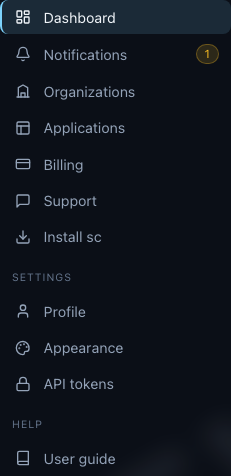
The number beside Notifications in the sidebar is how many you have not read. It is on every page, and it moves on its own — a notification that arrives while you are looking at something else lights the badge up without a reload, the same way the rest of the control panel keeps itself current (live updates).
Reading them
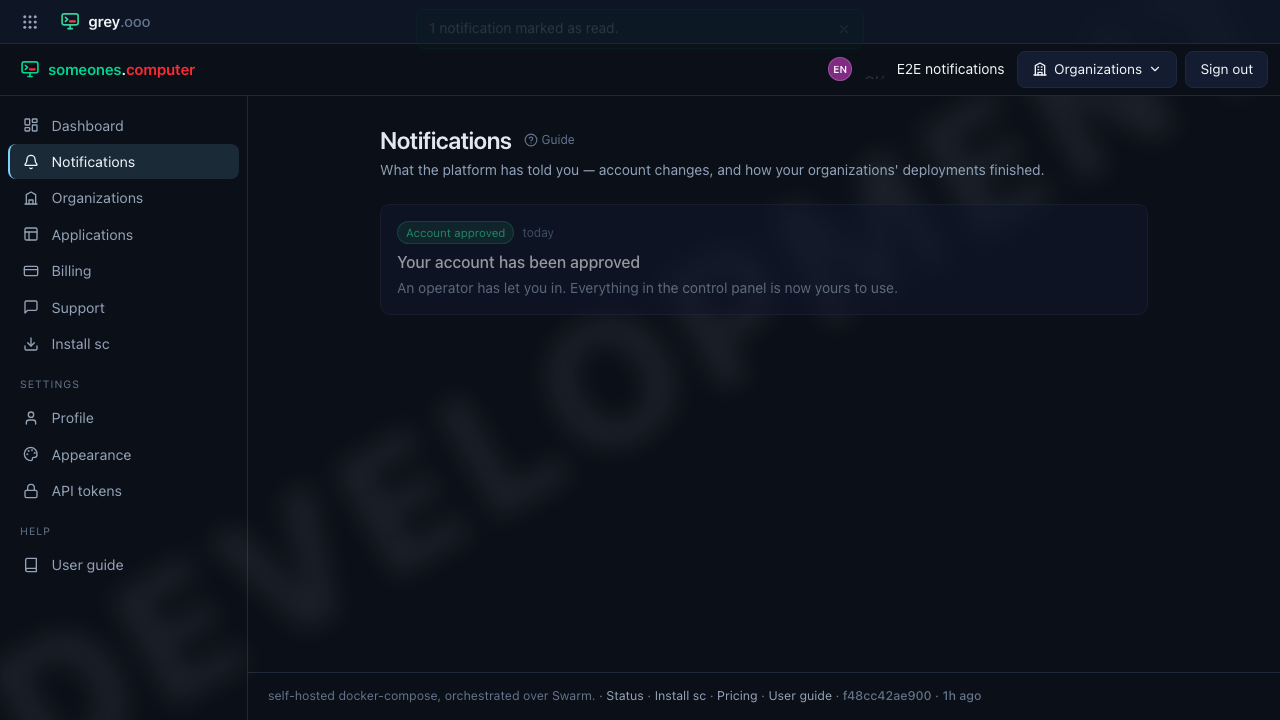
Unread rows carry a bar down the left; read ones fade back but stay in the list, so "I have dealt with this" and "this is gone" remain different things. Where a notification is about something you can go and look at, its title is a link to it.
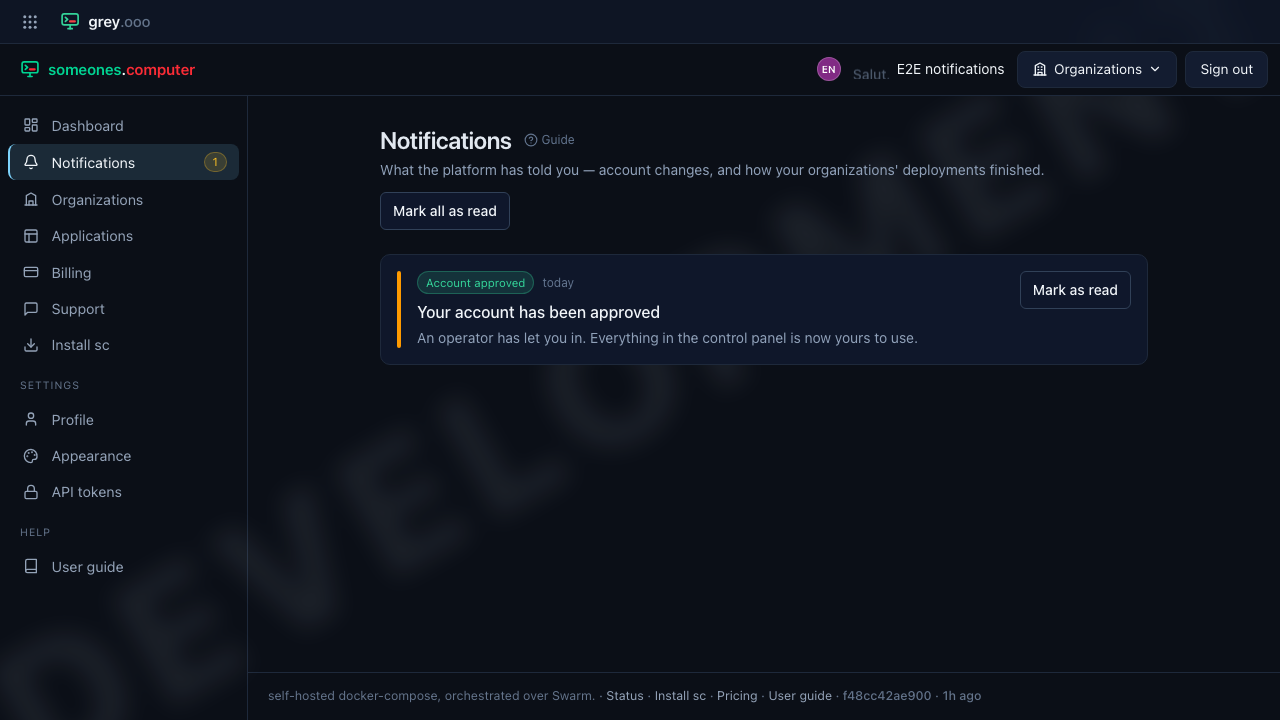
Mark as read on a row clears that one. Mark all as read clears everything at once and is the fast way to empty the badge; it says how many it touched.
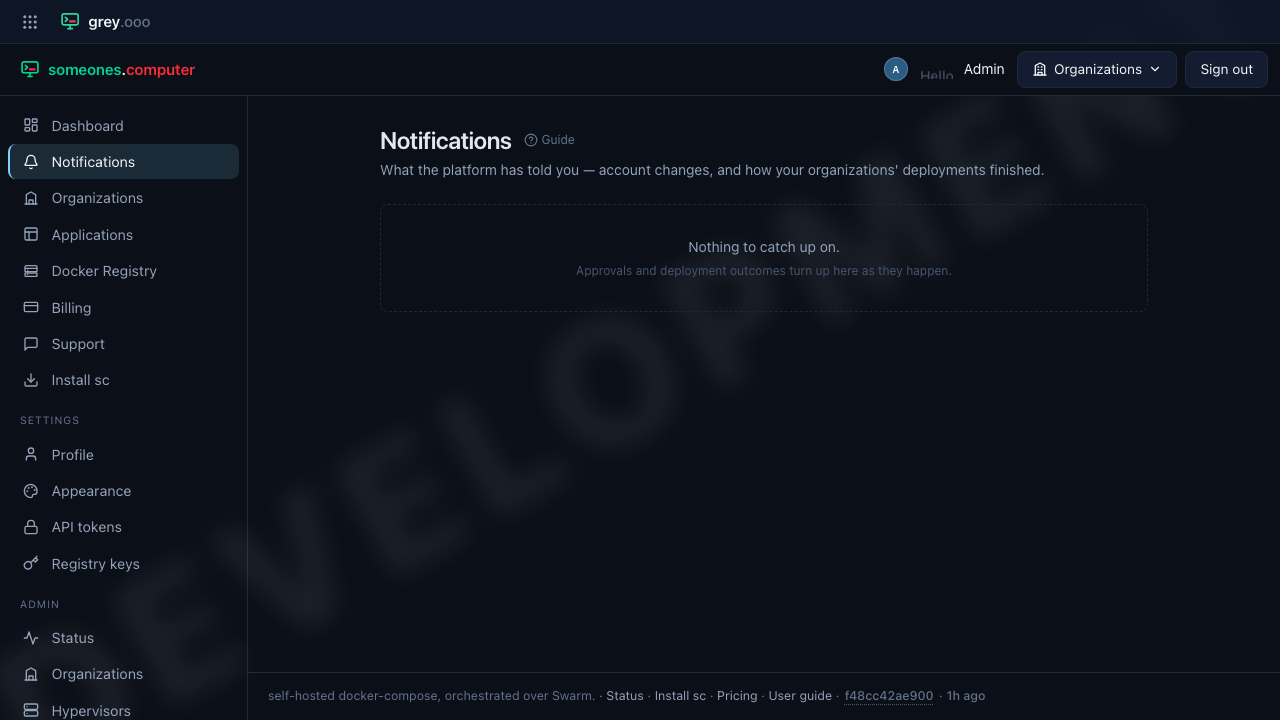
When there is nothing waiting, the centre says so rather than showing you an empty table.
How long they are kept
One year. After that a notification is removed, whether or not it was ever read — the same window the platform keeps its record of sent email for. Nothing you need to keep should live only here: every notification points at the thing it is about, and that thing outlives the notification.