Registry keys
A registry key is a personal credential for docker login against the
platform's internal image registry. Access is opt-in: a platform admin has to
enable registry access on your account first — without it the Settings →
Registry keys page doesn't appear and its URLs are refused. Keys are
pull-only; images enter the registry exclusively through the build pipeline.
Keys are separate from API tokens on purpose: a registry key can never call the MCP/API, and an API token can never
docker login.
Creating a key
Open Settings → Registry keys in the sidebar. Give the key a label that says where it will be used, choose an expiry, and click Create key. The expiry defaults to 30 days; 90 days, a year and never expires are the other choices, and a key that never expires has to be picked deliberately.
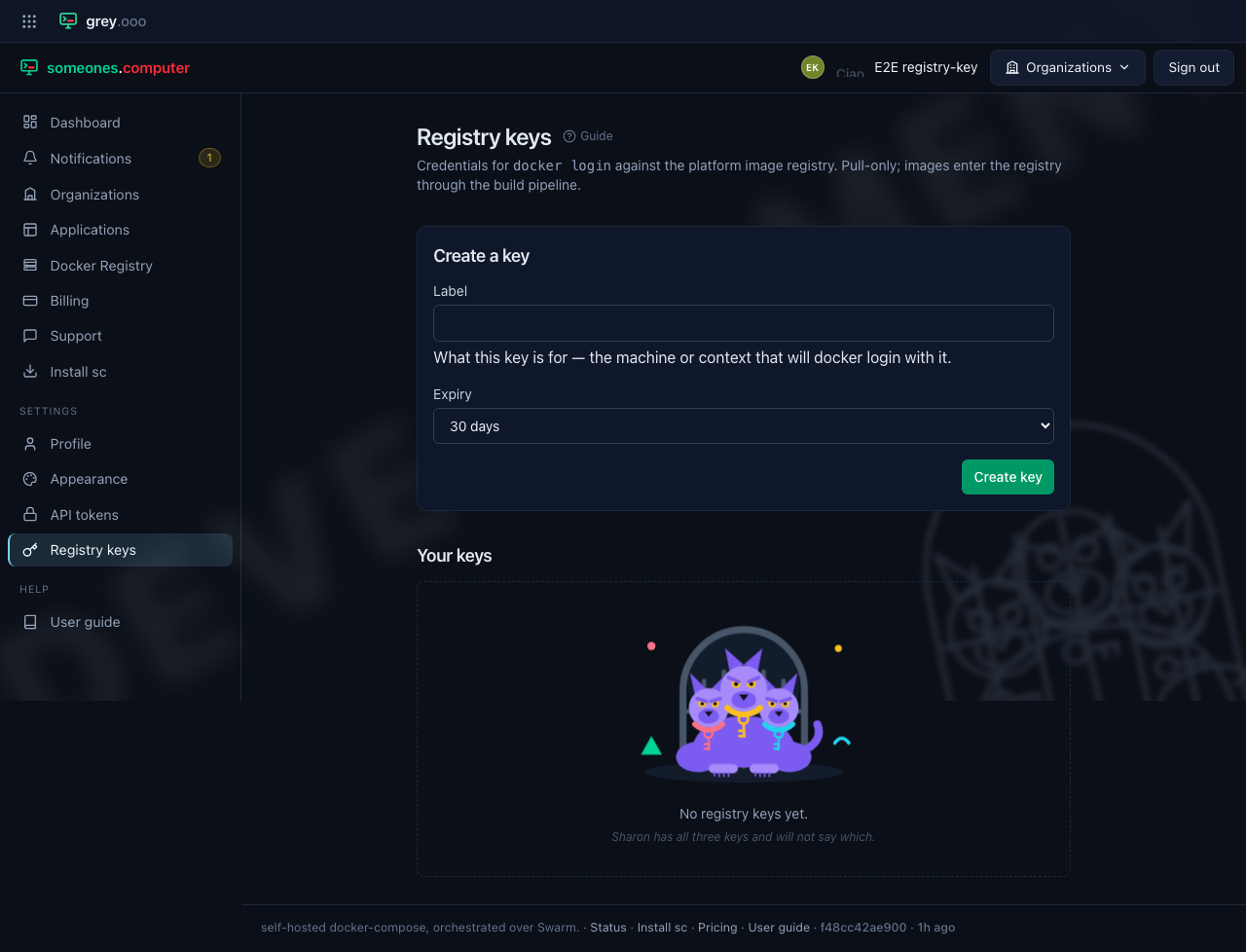
The key is shown exactly once, right after creation. Copy it now — the button
beside it puts the key straight on your clipboard — and use it as the password for
docker login; it cannot be recovered later, only revoked.
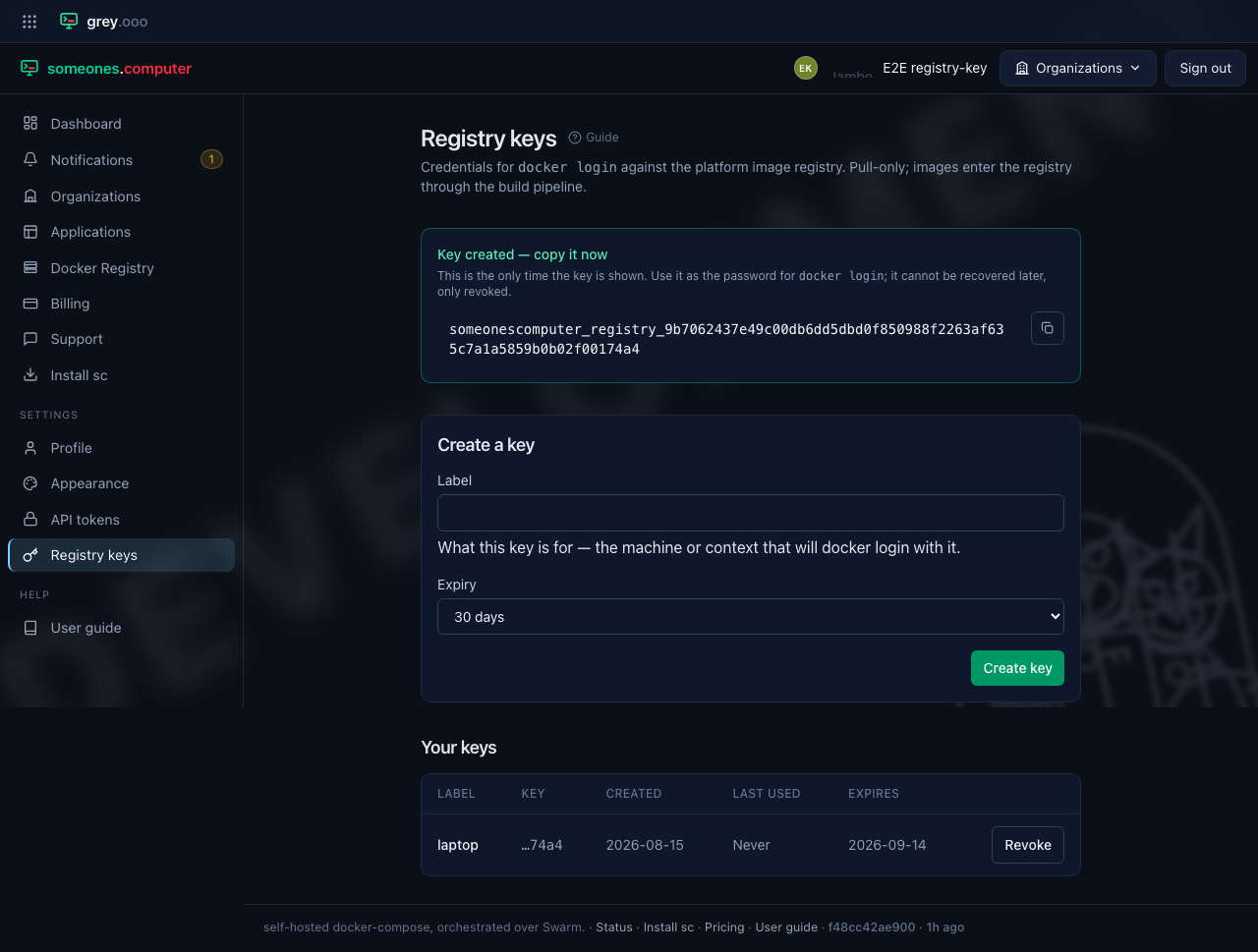
After a reload only the label, the last four characters, and the metadata remain — the platform stores a hash, not the key.
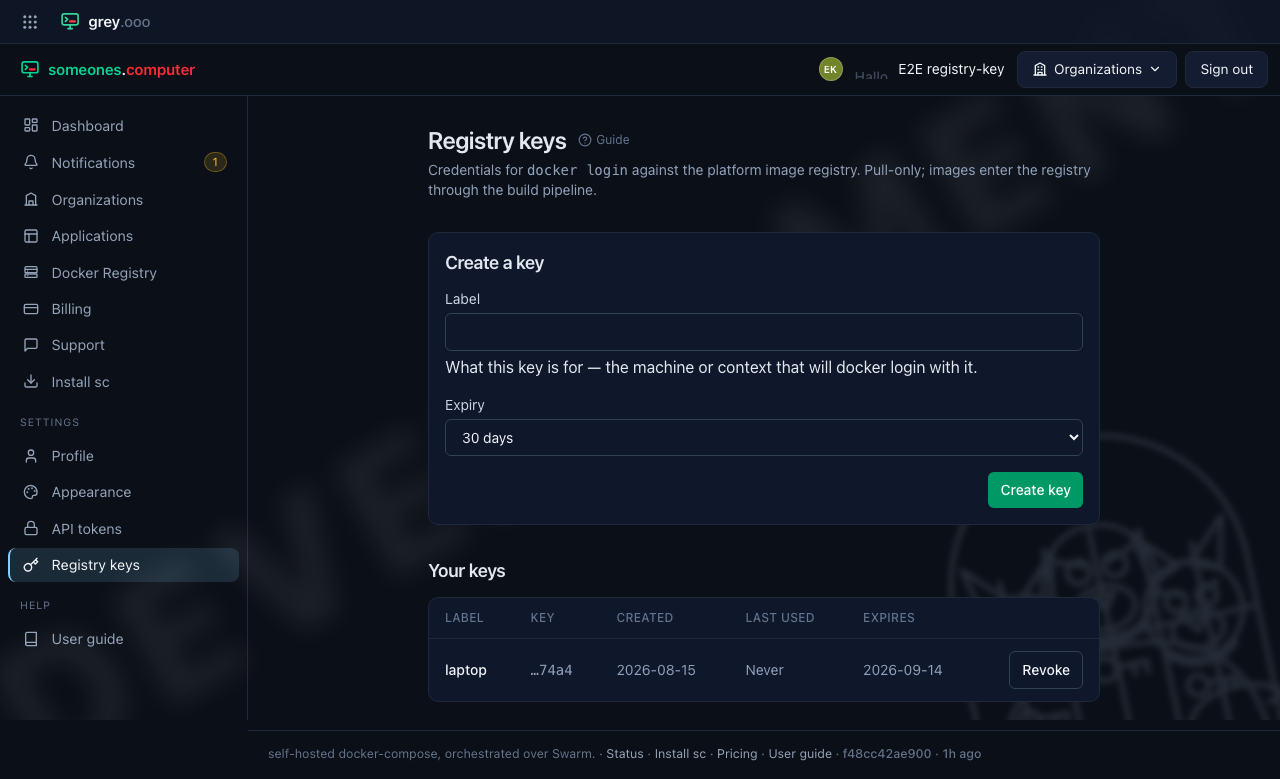
Revoking a key
Click Revoke next to a key to disable it immediately. Revoked keys stay in the list for your records but can no longer authenticate, and revocation cannot be undone — create a new key instead.
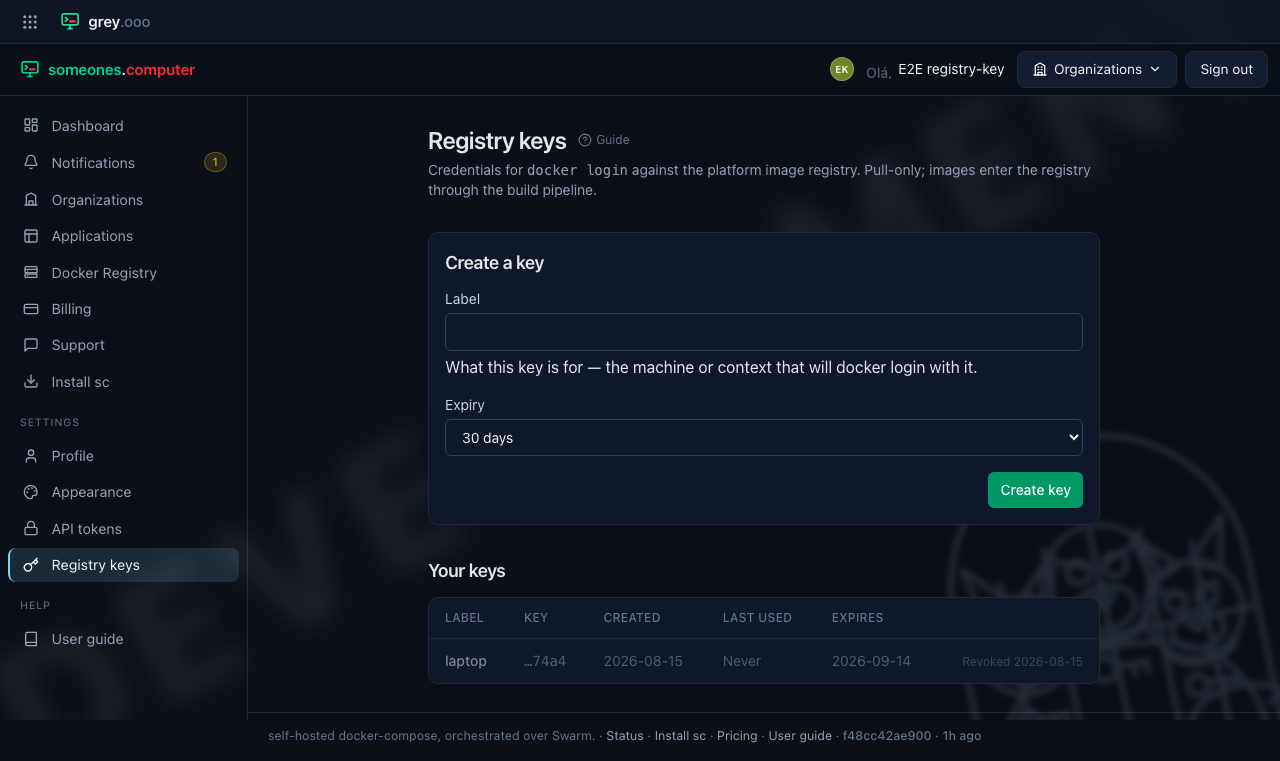
Expired keys behave the same way: once a key passes its expiry date it stops authenticating, without needing to be revoked.