Platform status
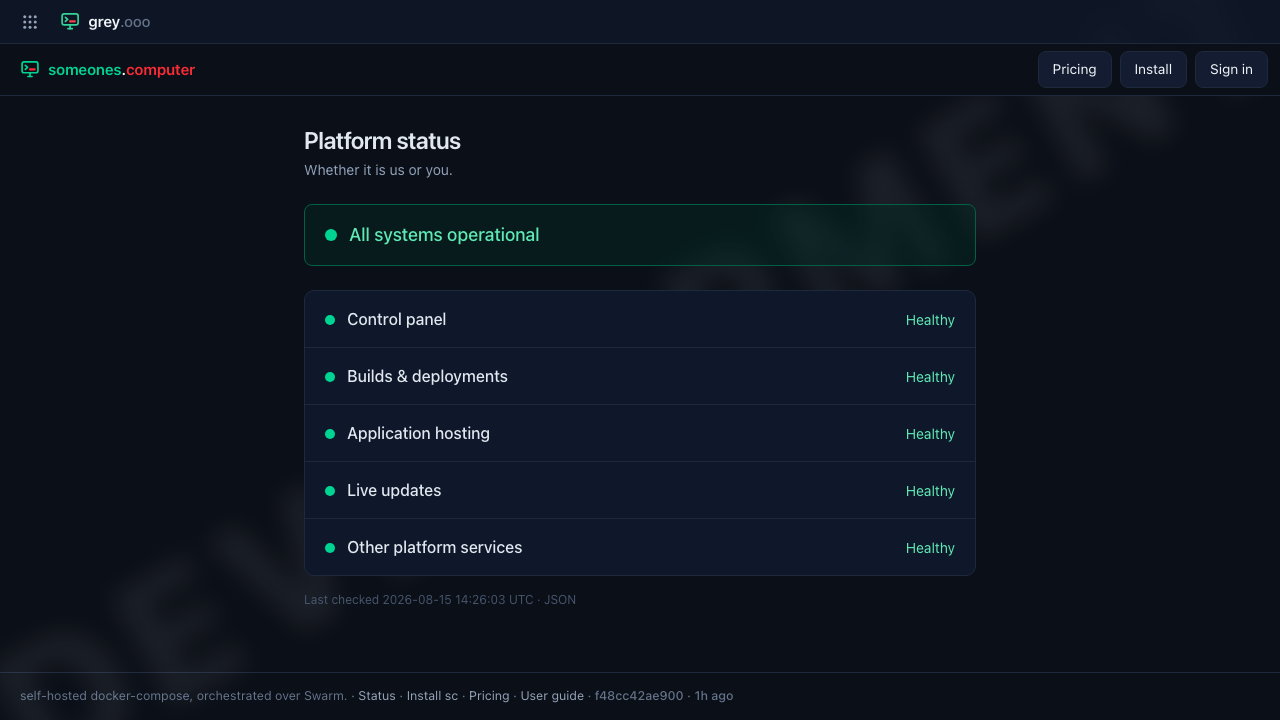
/status answers one question — is the platform working, or is it just you — and answers it without asking who you are. No account, no sign-in. That is deliberate: the times you most need it are the times signing in is the thing that is broken.
Finding it
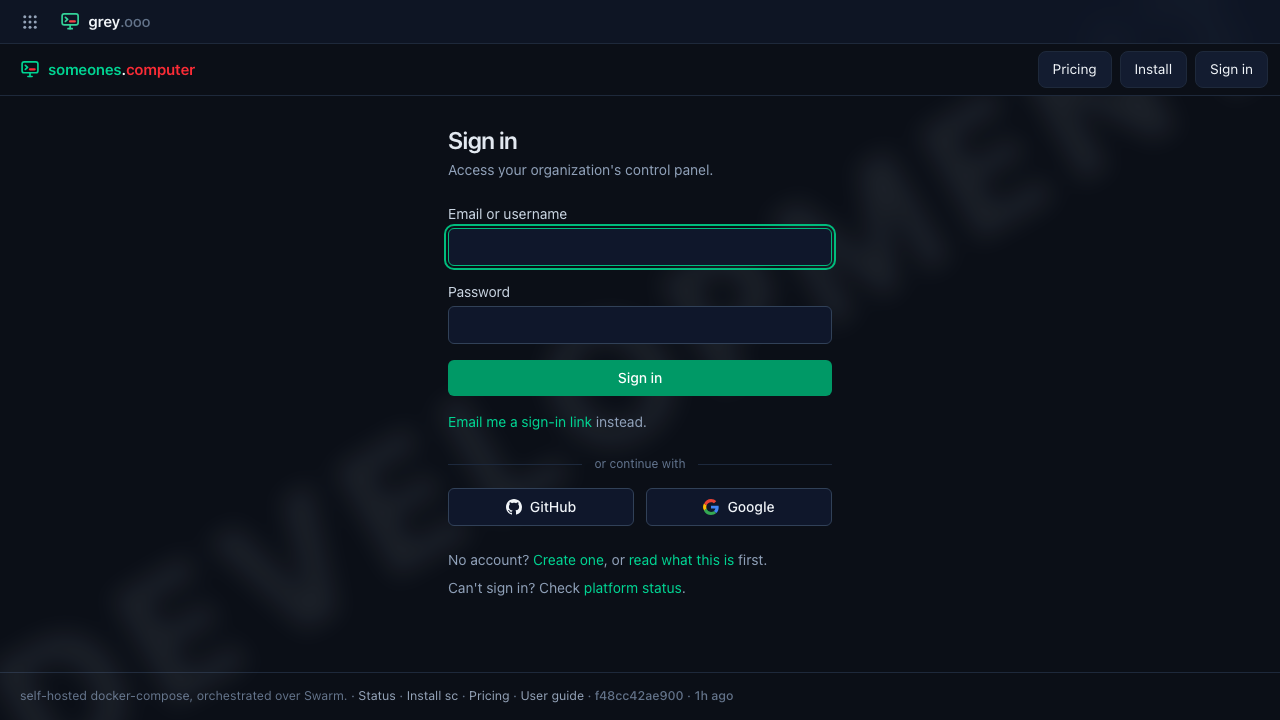
You should not have to remember the URL. It is linked from the footer of every page — including the signed-out ones — and again in the sign-in form's own copy, under Can't sign in? Check platform status.
Which build you are looking at
The same footer stamps the running build beside the Status link: the commit it was built from, and how old that build is.

The age is the half worth reading. A sha answers which build without answering whether it is the one that was just deployed — so if a change you expect is missing, the footer is the first place that says whether the deploy landed at all.
e9af8cc9fca3 |
the commit this build was made from |
3h ago |
when it was built; missing entirely if the build carries no timestamp |
Operators get one thing more: the sha is a control (dotted underline) rather than plain text, and opens the build panel — the branches and merges behind that commit.

What it tells you
A headline, then four services, each with a state. That is the whole page. The services are groupings, not machines — the platform is made of considerably more moving parts than four, and which one broke is not a useful thing to hand a reader.
| Service | Roughly |
|---|---|
| Control panel | signing in and the dashboard |
| Builds & deployments | getting a new version live |
| Application hosting | applications already running |
| Live updates | pages updating themselves |
| State | |
|---|---|
| Healthy | working normally |
| Degraded | working, but not well |
| Down | not working |
The headline rolls all four up: All systems operational, Degraded performance, Partial outage, or — only when everything is down at once — Major outage.
What it deliberately does not say is why, or what the state means for you. No cause, no component names, no advice, no estimate. If "Builds & deployments" is down, new versions are not going out and the page will not elaborate. That is not coyness for its own sake: a public page that narrates which internal subsystem is failing is telling everyone, not just you.
Last checked
The reading is cached for up to 30 seconds, and the page prints the timestamp it was actually taken (UTC) rather than claiming to be live. If you have just been told something is fixed, wait out the half-minute before believing the page over the person who told you.
For an uptime monitor
/status.json is the same answer as JSON, public and cacheable
(Cache-Control: public, max-age=30).
{
  "status": "down",
  "headline": "Partial outage",
  "checked_at": "2026-08-05T16:07:35+00:00",
  "revision": "a1b2c3d",
  "services": [
    { "id": "control-panel",  "name": "Control panel",        "status": "ok" },
    { "id": "deployments",    "name": "Builds & deployments", "status": "down" },
    { "id": "hosting",        "name": "Application hosting",  "status": "ok" },
    { "id": "live-updates",   "name": "Live updates",         "status": "ok" }
  ]
}
status is ok, degraded or down — the worst of the services, so alerting on
that one field is enough. Service ids are stable; name is prose and may be
reworded.
Polling faster than 30 seconds gains you nothing: the answer is served from the same cache the page uses, so it will not be fresher, and it costs the platform nothing either.
Not to be confused with
/status |
this page — anyone, coarse, no detail |
/health |
the deploy gate: answers {"app", "status"} and nothing else, 503 when the platform is not fit to serve |
/admin/status |
the operators' view: every component, its cause, and what to do about it (platform admin only) |